
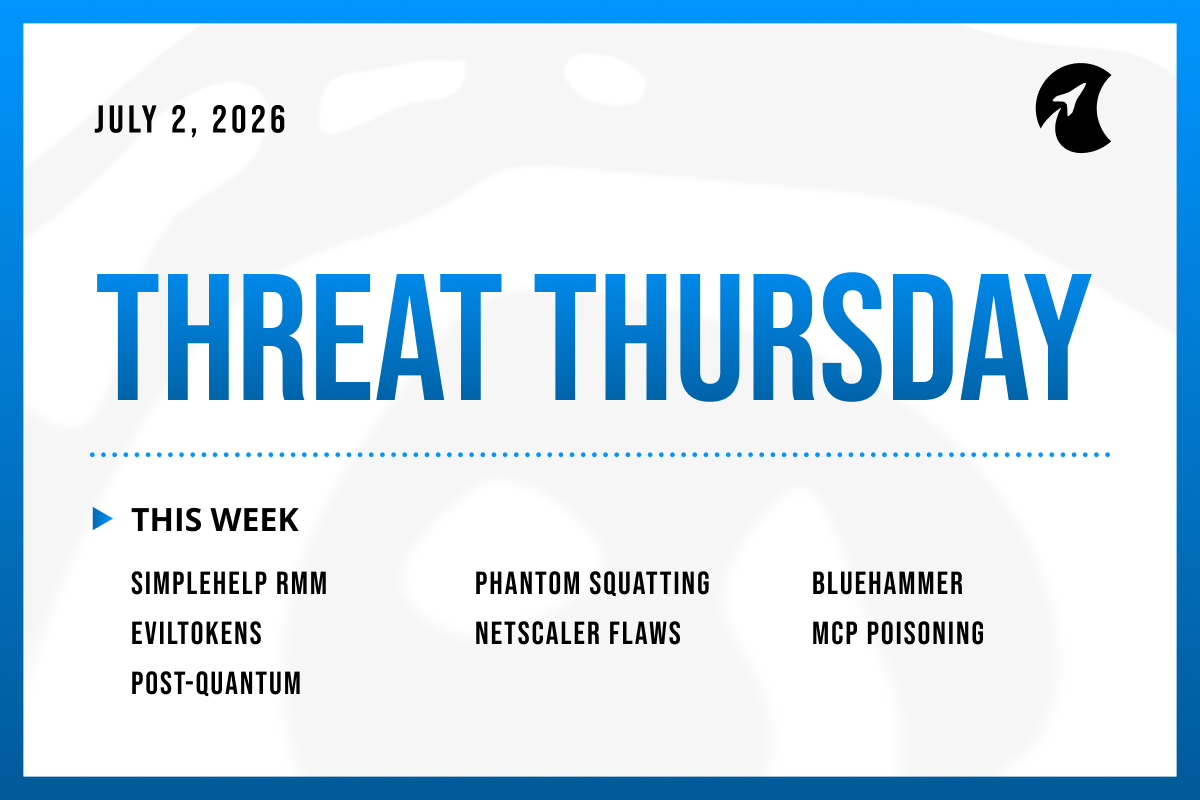
Welcome to Threat Thursday, Galactic’s weekly threat intelligence roundup.
Every Thursday, we cover the cybersecurity stories that matter most for protecting organizations from emerging threats. Each item is broken down into what happened, what it could mean for your organization, and what to do about it.
This week's stories share a thread that's worth keeping in mind as you read: none of these attacks worked by breaking through a wall. Each one abused something a system was already built to trust. That pattern shows up in a remote-support tool, a Microsoft 365 phishing kit, an AI agent, and a web address an AI invented. The urgent items are already being exploited. The deeper work is adjusting the assumptions underneath them.
This Cycle’s Stories
1. Attackers Are Exploiting a Critical SimpleHelp Flaw to Take Over Remote-Support Servers: CVE-2026-48558
On June 30, researchers confirmed that attackers are actively exploiting a critical flaw in SimpleHelp, a remote-support tool that IT teams use to access and manage computers from a distance. The flaw, CVE-2026-48558, is rated the maximum severity of 10.0. The problem is straightforward: the software never verifies that a person logging in is who they say they are. That means an attacker can walk in pretending to be a trusted technician, with no password, and immediately gain control over every computer that server manages. Researchers at Blackpoint Cyber observed attackers using that access to install malware designed to steal login credentials, cloud account access, and the digital keys that developer and AI tools store on a machine. SimpleHelp released a fix in late May, and the U.S. cybersecurity agency CISA set a federal deadline for today to apply it.
Potential impact: Remote-management tools are attractive targets because a single server typically connects to hundreds or thousands of computers. Compromising one gives an attacker a shortcut to all of them. What makes this flaw particularly serious is that it bypasses the login entirely, and an attacker can even set up their own second verification step on the way in, which means the additional security layer most organizations rely on offers no protection here. The malware attackers are deploying is specifically built to collect the credentials that developers and AI tools store locally, so a single compromised support server can quickly turn into unauthorized access to a company's cloud accounts and internal systems. Any SimpleHelp server connected to the internet that went unpatched since late May should be treated as already compromised, not just at risk.
What to do: Confirm every SimpleHelp server in your environment is running version 5.5.16, 6.0 RC2, or later, and prioritize any that are accessible from the internet. Check the list of technician accounts on each server for any names or email addresses your team doesn't recognize. Review login activity going back to late May for anything unusual. Any server that was reachable from the internet and unpatched during that window deserves a closer review, along with a reset of any cloud or developer credentials it had access to.
Source: SecurityWeek
2. Phantom Squatting: Criminals Are Registering the Fake Web Addresses AI Invents
Palo Alto Networks' research group, Unit 42, has documented a new attack called phantom squatting. AI assistants sometimes invent web addresses that don't actually exist, and attackers have realized they can claim those made-up addresses and put fraudulent pages on them. Anyone the AI later directs to the same invented link ends up on a page the attacker controls. When Unit 42 tested this at scale, roughly 250,000 of the links AI models produced pointed to addresses nobody had registered yet. The trick works because a brand-new website has no history for security tools to check against, so nothing raises a flag. In one real case, Unit 42 predicted a fake postal-service store 23 days before a criminal registered it and used it to steal card numbers and ID documents.
Potential impact: People are increasingly acting on the links and information AI tools provide without stopping to verify them, and attackers are taking advantage of that trust. Because different AI models tend to invent the same fake addresses when asked similar questions, the targets are predictable, which means attackers can claim them in advance just as easily as defenders can watch for them. This isn't a bug that can be patched, it's a side effect of how these models generate information. A similar pattern has already caused real damage in software development. Attackers register fake software package names that AI coding tools invent and recommend to developers, who install them without checking whether they're real. That attack has its own name, "slopsquatting." Phantom squatting runs the same playbook, only it’s aimed at websites instead.
What to do: Treat any web address an AI tool provides as unverified until you've confirmed it's the real, official site, and never enter a password or hand it to another system before doing that check. If your organization uses AI agents that browse the web or download files on your behalf, require a human to review any link the agent produces before it acts on it. Brand owners should also watch for new registrations of addresses that closely resemble their own.
Source: The Hacker News
3. A Microsoft Defender Flaw Called BlueHammer Is Now Being Used in Ransomware: CVE-2026-33825
CISA has confirmed that a flaw in Microsoft Defender, the built-in security software on Windows computers, is now being used in ransomware attacks. The flaw, nicknamed BlueHammer (CVE-2026-33825), doesn't give an attacker a way into a computer on its own. But once an attacker has any kind of foothold on a machine, this flaw lets them take complete control of it. Security firm Huntress first observed it being exploited in April. CISA added it to its list of actively exploited vulnerabilities shortly after and later updated that entry to reflect its use in ransomware. Here's how it works: when Microsoft Defender detects a suspicious file and starts cleaning it up, it briefly performs that cleanup using the highest level of system access available. BlueHammer exploits a tiny timing window during that process. The attacker essentially tricks Defender into redirecting its own privileged cleanup operation toward a legitimate Windows system file instead, overwriting it with malicious code. The result is that an attacker who already has any kind of presence on a machine can use Defender's own cleanup process to quietly take complete control of the computer.
Potential impact: The concerning detail here is where the flaw lives: inside the security software that's supposed to protect the machine. Once an attacker uses it to reach the highest level of system access, they can turn off security tools, install ransomware, and move across the machine freely. That's the exact sequence ransomware groups run before they start encrypting files and locking people out. Because this flaw isn't how attackers get in but rather how they take over once they're already in, it can be easy to overlook. That's the mistake that turns a small breach into a much larger one.
What to do: Make sure Windows and Microsoft Defender are fully up to date on all computers, particularly any that are internet-facing or handle sensitive information. Because this flaw shows up in the middle of an attack rather than at the beginning, it's also worth watching for the warning signs that typically come before ransomware: security tools being switched off, unfamiliar processes running with high-level system access, and new user accounts appearing without explanation. If Defender gets turned off unexpectedly, treat that as a potential security incident rather than a routine technical issue.
Source: Security Affairs
4. EvilTokens: A Microsoft 365 Phishing Kit That Stays Hidden Until It Runs in the Browser
Researchers have detailed a Microsoft 365 phishing campaign called EvilTokens that's unusually difficult for security teams to detect. Rather than presenting a fake login page, it tricks the victim into approving a genuine Microsoft sign-in request, which hands the attacker access to the account without a password ever being stolen. The fraudulent page also conceals itself: it appears scrambled and unreadable until it loads in the victim's browser, so a security analyst who previews the suspicious link in advance sees nothing alarming. The campaign has been observed targeting organizations across banking, education, manufacturing, and technology, primarily in the US and Europe.
Potential impact: Many security teams assess a suspicious link by examining it before it loads, looking at the address and the page contents for anything that seems off. EvilTokens is specifically designed to appear clean at that stage and only reveal its true behavior when it actually runs. That means investigations take longer, and there's a real chance the link gets cleared as safe. Because the attack takes advantage of a legitimate Microsoft sign-in feature rather than stealing a password, standard two-factor authentication may not stop it, since from Microsoft's perspective the user is completing a real login. Once an attacker is inside a Microsoft 365 account, they have access to email, files, and every other connected service tied to that identity.
What to do: Rather than judging a suspicious link by its address alone, open it in a safe, isolated environment where you can observe what it does when it runs. IT administrators should disable the specific sign-in method this attack exploits wherever it isn't genuinely needed, and set up alerts to flag when it's used. Staff should be reminded never to enter a verification code or approve a login request they didn't personally initiate.
Source: Hackread
5. Citrix Patches Six NetScaler Flaws That Allow File Reads and Denial-of-Service
Citrix has released security updates for NetScaler ADC and NetScaler Gateway, two widely used networking appliances (previously branded Citrix ADC and Gateway) that sit at the edge of corporate networks to handle secure remote access and balance traffic. The updates fix six flaws that could let an attacker read files the device should not expose or knock it offline, and the most serious lets an attacker read those files with no login at all when the appliance’s admin interface is exposed. Citrix says there is no sign these flaws have been used in attacks yet. Still, the researchers who reported them note the appliance’s memory handling keeps proving fragile, and Citrix’s edge devices have repeatedly become the way ransomware gets in once a working exploit appears.
Potential impact: The good news is that patches are available and there are no known attacks yet. The reason to act quickly anyway is that Citrix's edge devices have a history of becoming entry points for ransomware once researchers publish working attack code, which typically happens in the weeks after a patch is released. A flaw that seems limited today often becomes more serious as security researchers and attackers study it further. Acting during this quiet window, before any working attack code becomes widely available, is significantly easier than responding after one appears.
What to do: Install the security updates Citrix has released. One of the flaws requires an additional manual step on some configurations to be fully resolved, so check Citrix's guidance to confirm the fix is complete. Also verify that the device's administration interface isn't accessible from the open internet, which eliminates the most serious exposure entirely.
Source: The Hacker News
6. Microsoft Warns That a Poisoned AI Tool Description Can Make an Agent Leak Company Data
Microsoft’s security researchers have warned that attackers can hijack AI agents (assistants that take actions, not just answer questions) using nothing more than a tampered tool description. Modern agents such as Microsoft 365 Copilot connect to outside tools, and each tool comes with a short written description telling the agent what it does and when to use it. That is the weak point, because hidden instructions can be buried in that text. Microsoft’s example is a finance team whose agent is connected to an approved but never-reviewed invoice tool: an attacker quietly edits the tool’s description to tell the agent to collect unpaid invoices and send them to an outsider, and because every step looks routine, nothing appears wrong. Microsoft is clear this is not a flaw in Copilot itself, but the trust gap that opens when you plug in outside tools.
Potential impact: What makes this type of attack particularly difficult to catch is that it doesn't technically break any rule. The agent is using permissions it was given, accessing a tool that was approved, and sending data through a connection that was allowed. The vulnerability exists in the relationship between those pieces rather than in any single one of them. As more organizations move from AI tools that read and summarize to AI tools that take real actions, the consequences of this kind of manipulation grow significantly. Testing of this technique against real AI systems succeeded nearly 73% of the time, and a malicious tool has already been caught in the wild quietly copying every email an agent processed.
What to do: Treat every outside tool your AI agent connects to the same way you'd treat any new software being added to your systems. Maintain a list of approved tools, turn off any setting that allows agents to connect to tools automatically without review, and limit each agent to only the tools it genuinely needs. Any change to a tool's description should go through a review process. Actions that involve sending money, sharing data outside the organization, or changing account settings should require a person to approve them before the agent proceeds. Keeping a record of what each agent does makes it much easier to identify something unusual.
Source: The Hacker News
7. Worth Watching: Microsoft Moves Its Post-Quantum Encryption Deadline Up to 2029
Microsoft has announced it is speeding up its plan to protect its products against future quantum computers, aiming to move its critical services to post-quantum encryption by 2029. These are new types of encryption designed to resist quantum computers, which, once powerful enough, could break much of the encryption that protects data today. Microsoft’s Azure Chief Technology Officer, Mark Russinovich, said a quantum computer capable of that could arrive sooner than expected, so the work needs to start now. Microsoft is not alone, as Google and Cloudflare are targeting the same 2029 date and a U.S. executive order has set a 2030 deadline for federal agencies.
Why it matters: There's nothing to act on this week, but that's exactly why it's worth raising now. The urgency comes from a tactic called "harvest now, decrypt later," where an attacker copies encrypted data today and stores it, planning to decode it once a powerful enough quantum computer becomes available. Any information that needs to remain confidential for years, including legal documents, medical records, intellectual property, and long-term login credentials, is already vulnerable to this approach even though the threat hasn't fully materialized yet. The transition to new encryption methods will take time and will touch almost every system and service an organization uses, which is why starting to understand the scope of the work now is far better than being caught unprepared later.
What to do: Nothing needs to change this week, but it's worth beginning to map where your organization uses encryption and digital certificates, what methods are in use, and whether your key technology vendors have published a plan for moving to post-quantum encryption. Prioritize understanding the systems that protect information with a long shelf life. When evaluating new technology, favor systems designed so their encryption can be updated without a full rebuild.
Source: The Hacker News
The Big Picture
Each of this week's attacks worked not by smashing through a wall but by abusing something a system was built to trust. SimpleHelp trusted an identity token it never checked. Microsoft 365 trusted a sign-in a user was tricked into approving. An AI agent trusted the written description of a tool. Users trusted a web address an AI invented. Even BlueHammer is a story about the security software itself becoming the path to full control. None of these required breaking the rules. They required exploiting the assumptions underneath them.
That has a practical consequence. The urgent items are the ones already being exploited: patch SimpleHelp before the July 2 deadline, close BlueHammer by updating Windows and Defender, and update Citrix NetScaler while it's still quiet. The deeper work runs alongside: verify the links AI hands you, switch off sign-in methods you don't use, review what your AI agents are allowed to do, and start planning for a world where today's encryption no longer holds. Trust is worth placing deliberately, with checks behind it.
Make sure to check back here next week for another Threat Thursday update.